Chasing the Perfect Workflow: My Arch Linux & Hyprland Setup Journey
A deep dive into my personalized Arch Linux setup with Hyprland, Kitty, and Waybar — crafting a glassmorphic, gray-pastel development environment from scratch.
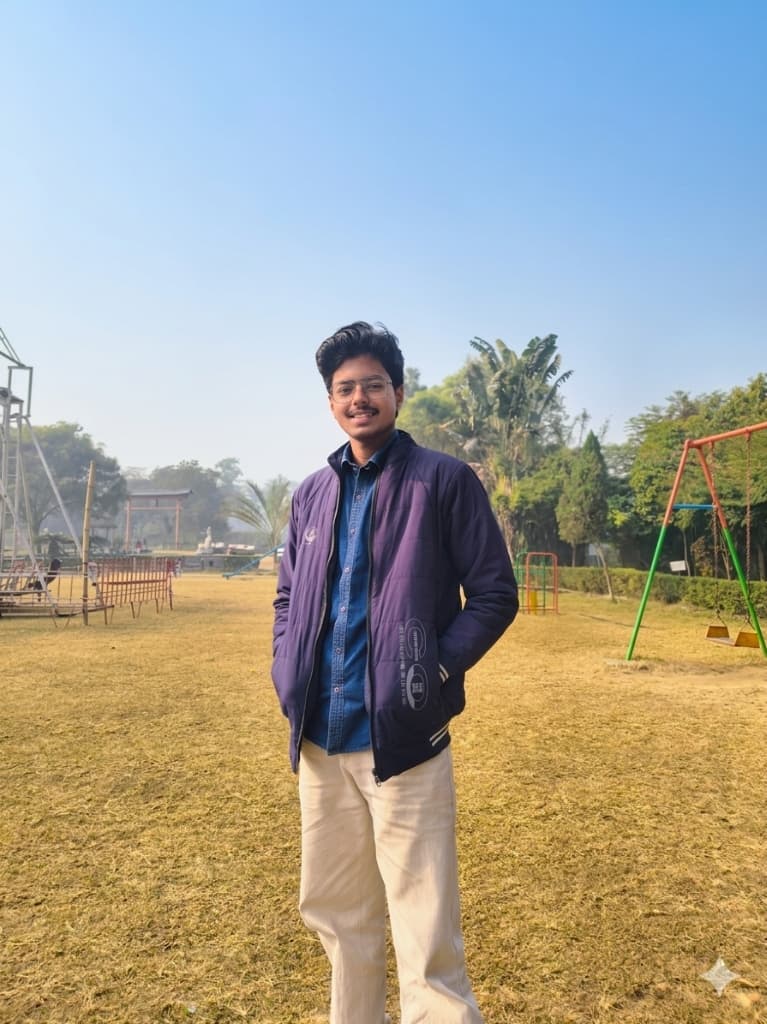
As a second-year B.Tech student and full-stack developer diving deep into backend engineering and system design, my digital environment is my most important tool. When you spend your days building AI-driven platforms and optimizing database queries, you need an OS that doesn't just get out of the way — you need one that works exactly how you want it to.
That's what led me down the rabbit hole of Arch Linux.
This isn't just a post about installing an operating system; it's about crafting a personalized workspace from the ground up. Here is a look into my current setup, the philosophy behind my aesthetic choices, and the tools I rely on daily.
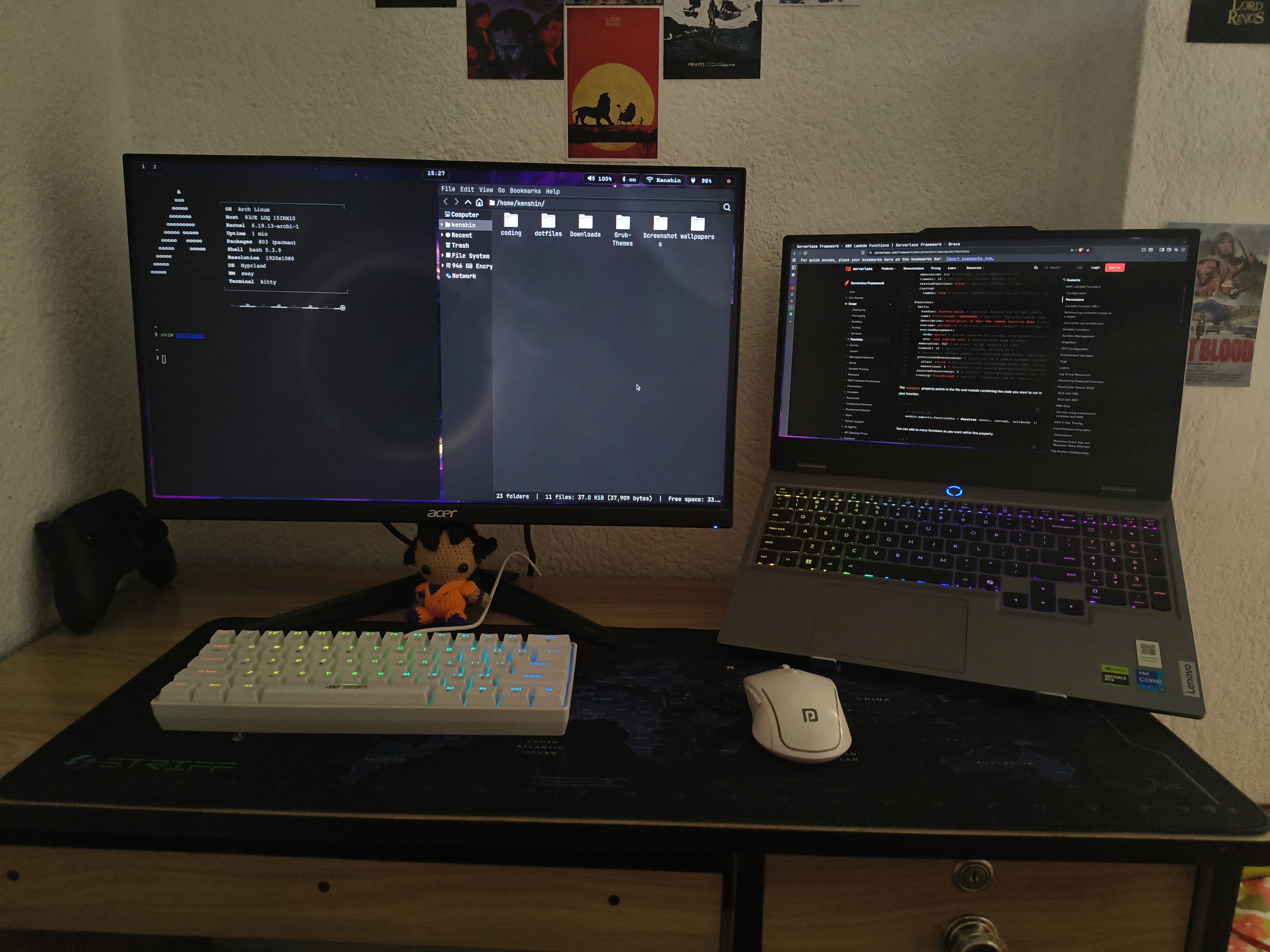
The Core Stack: Arch + Hyprland
I chose Arch Linux for the absolute control it offers. There is no bloat, no pre-configured decisions made by someone else — just a blank canvas.
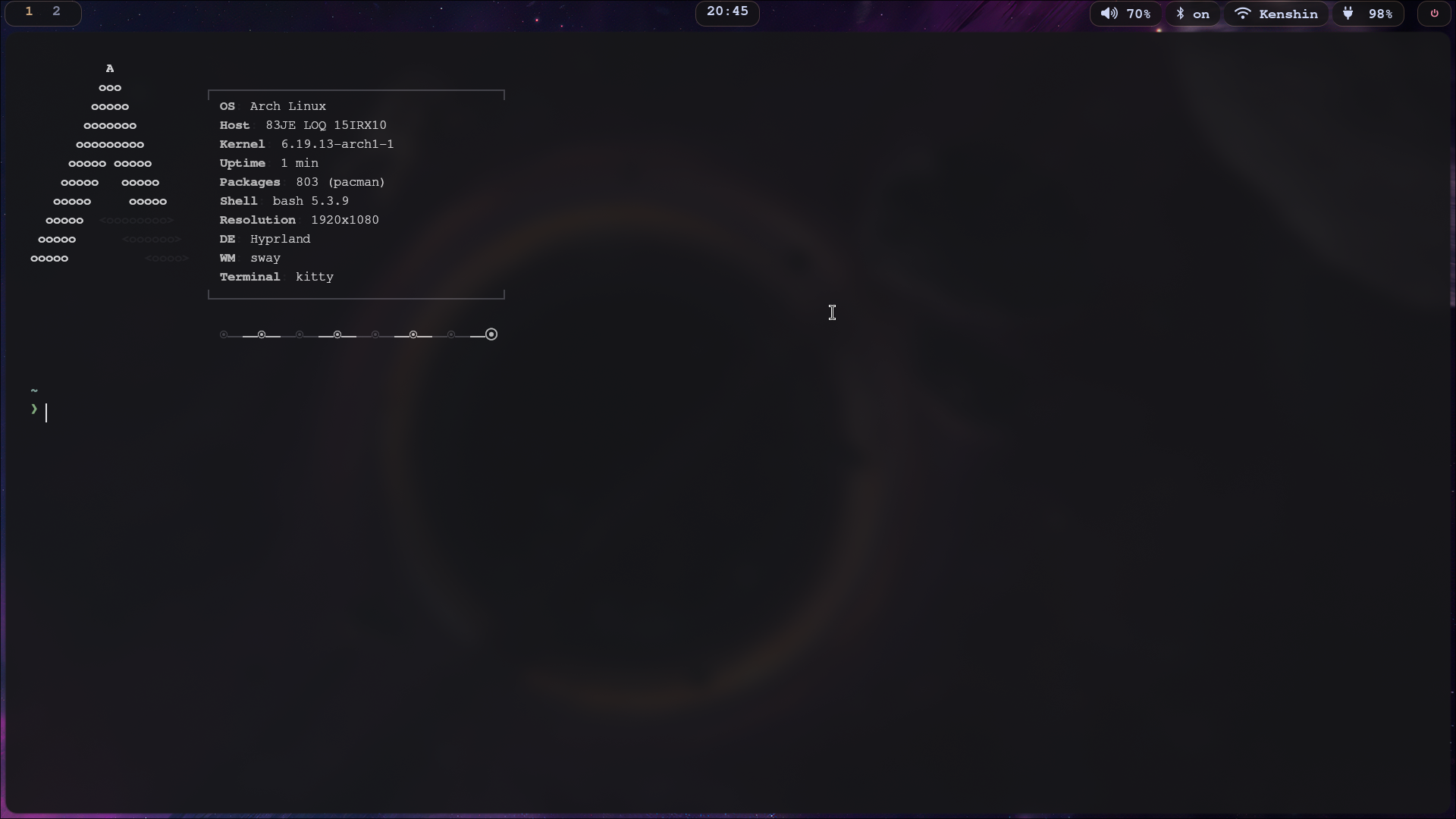
For the display server and window manager, I went with Hyprland. If you've used it, you know exactly why. It brings the efficiency of a tiling window manager but pairs it with incredibly smooth Wayland animations. It makes navigating through multiple workspaces — whether I'm firing up Docker containers, testing a Node.js backend, or managing local Ollama instances — feel seamless and dynamic.
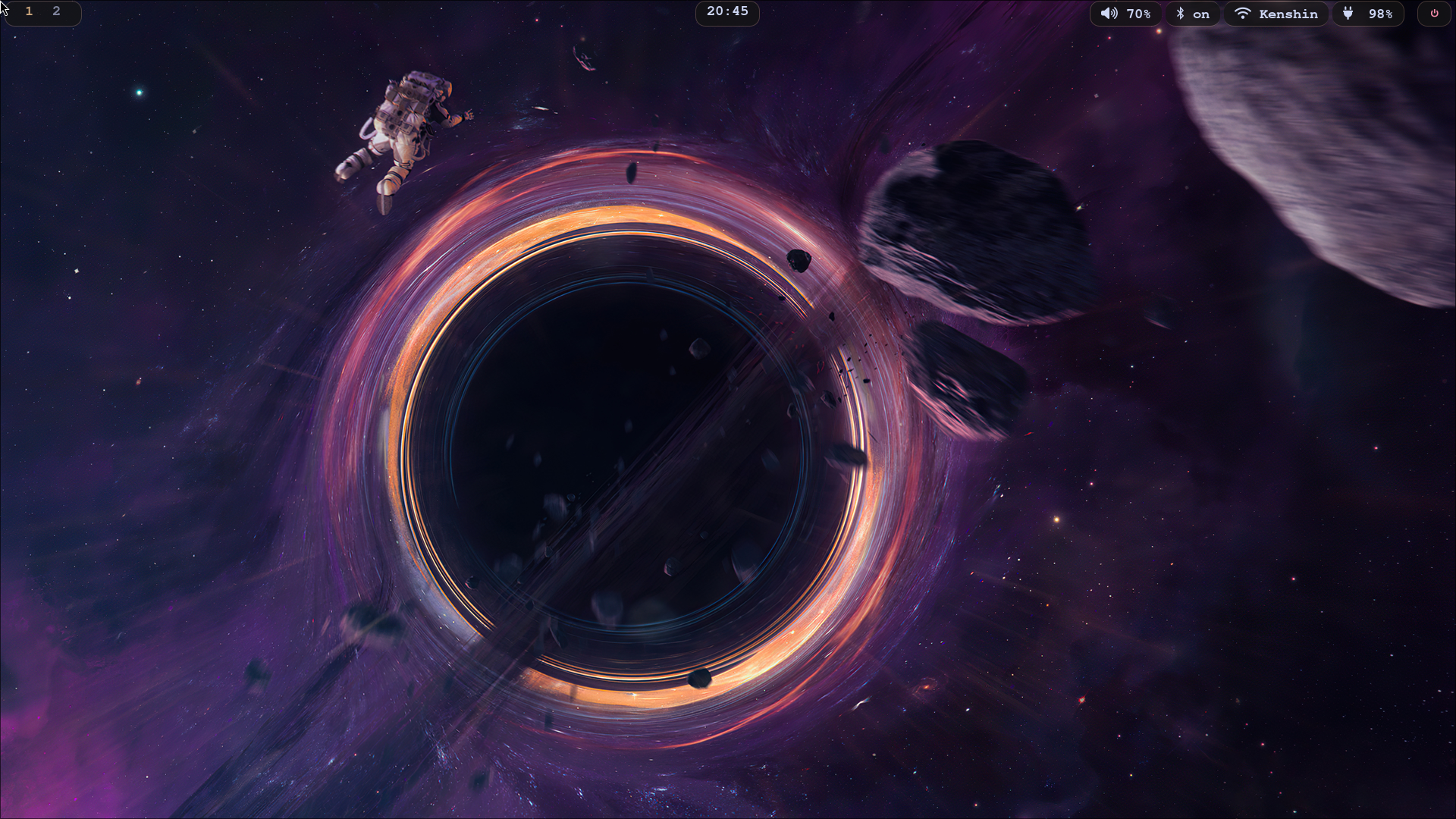
The Aesthetic: Glassmorphism and Gray-Pastels
I have a very specific vision for my UI/UX: modern, minimal, and glassmorphic. I avoid harsh, high-contrast themes in favor of a soothing gray-pastel palette. It's easy on the eyes during long coding sessions and looks incredibly clean.
A massive part of this aesthetic relies on precise blur effects. Tweaking the window rules in Hyprland is an art form in itself. For instance, dialing in the perfect layerrule configurations to apply just the right amount of blur, transparency (ignorealpha), and a subtle touch of noise to overlays takes patience, but the result is a cohesive, frosted-glass look across the entire desktop.
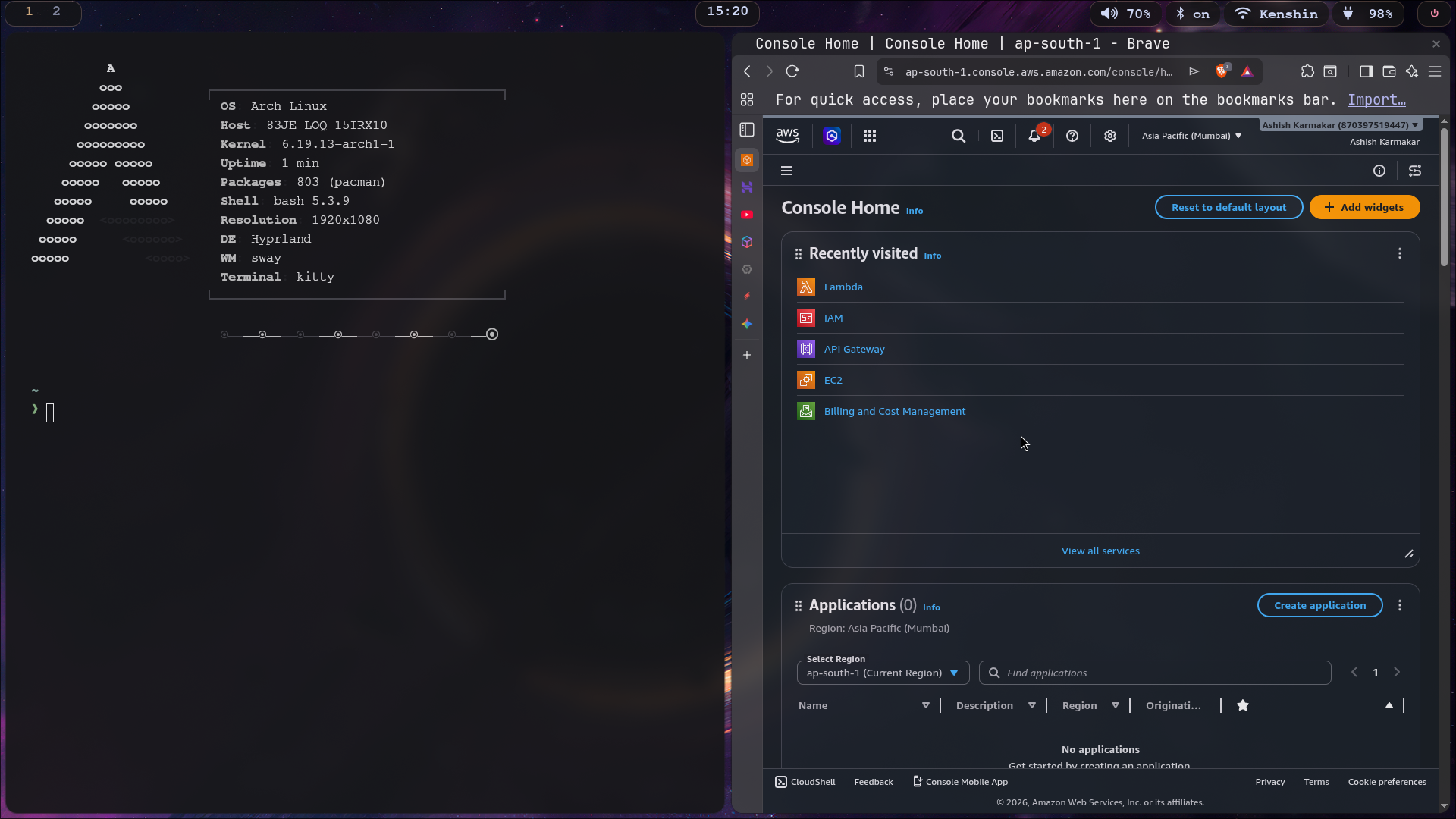
The Daily Drivers
Beyond the OS and window manager, a setup is defined by its daily tools.
🐱 Kitty
My terminal emulator of choice. It's GPU-accelerated, incredibly fast, and handles the customized transparency and blur effects flawlessly. Whether I'm managing Kafka partitions or running a quick git commit, Kitty is where I spend 80% of my time.
📊 Waybar
A highly customizable status bar that perfectly complements the Hyprland ecosystem. I've styled it to match the overarching minimalist, gray-pastel theme, keeping only the essential system metrics visible without cluttering the screen.
⌨️ Neovim
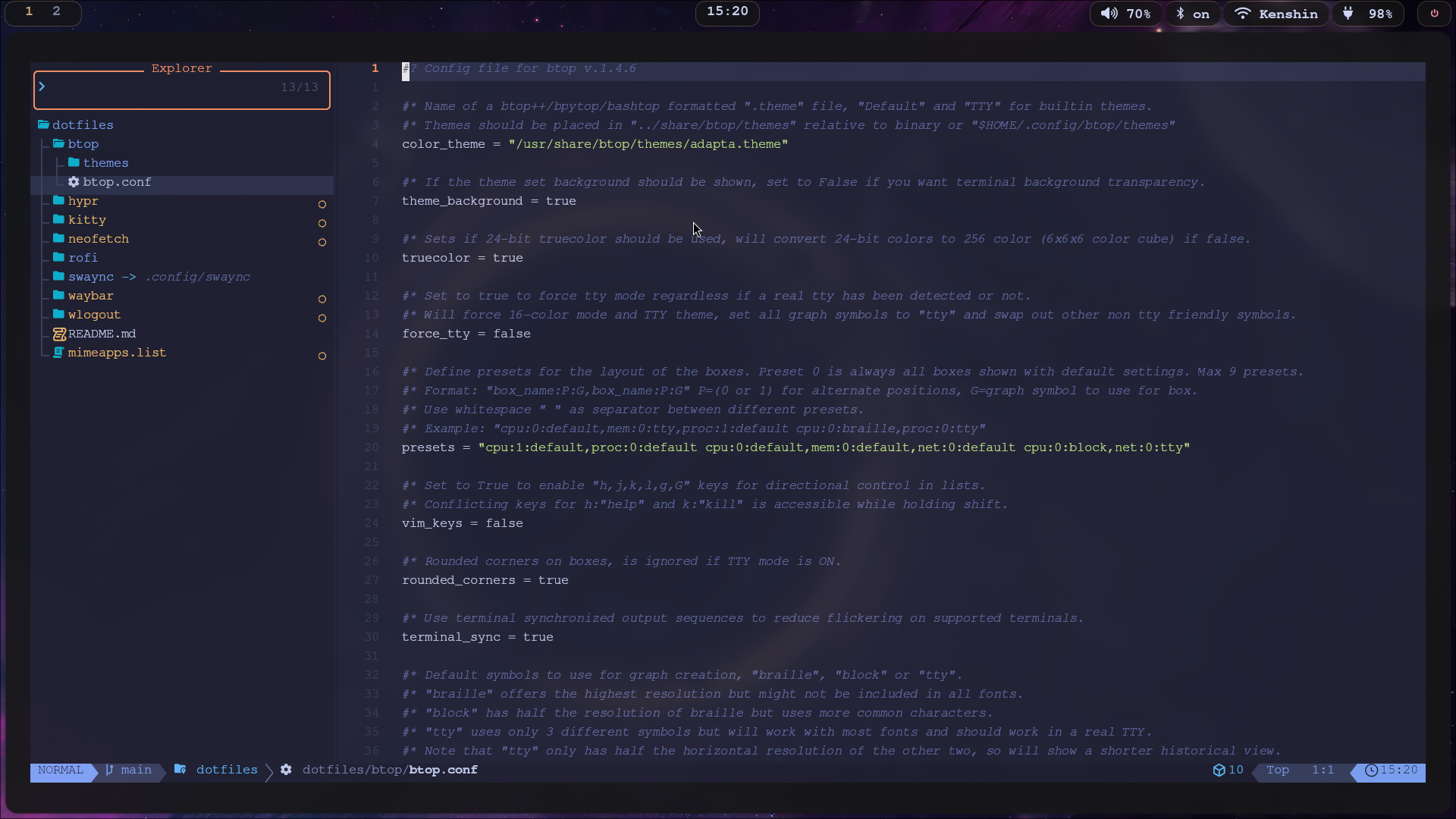
The ultimate text editor for configuration junkies. With a fully customized setup including LSP support, file explorers, and Git integration — all managed through my dotfiles repository.
The Dotfiles: Where the Magic Lives
Every config file — from Hyprland window rules to Kitty opacity settings to Waybar modules — lives in a carefully maintained dotfiles repository. This is where the real ricing happens. Tweaking a single value in hyprland.conf can completely change the feel of the entire desktop.
The Never-Ending Journey
The thing about “ricing” your Linux setup is that it's never truly finished. There is always a new script to write, a keyboard shortcut to optimize, or a layer rule to fine-tune. But right now, this Arch and Hyprland combination is the perfect environment for my development workflow.
It's fast, visually pleasing, and built exactly for my needs. And honestly? That's the whole point — an operating system should feel like an extension of your mind, not a barrier to your creativity.
If you are curious about my configuration and want to see how everything is set up, feel free to explore my dotfiles repository on GitHub.